in this part we will focus no how we can optimse the shader component and the process of animating the shader.
CONTENTS:
- Pokemon Cards with Skia
- Canvas Optimisations
- Shader Optimisations
- Gesture and Motion Optimisations
- Sensors and General Optimisations
- Summary
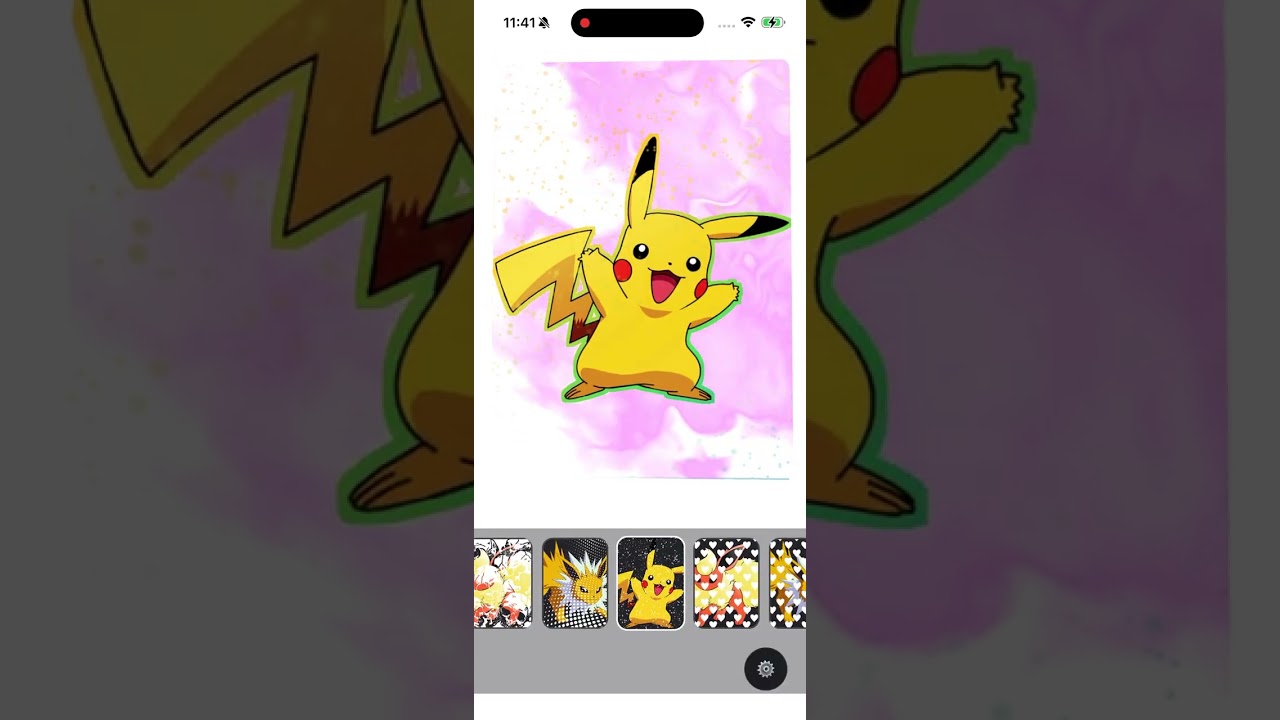

▶ Full Video |
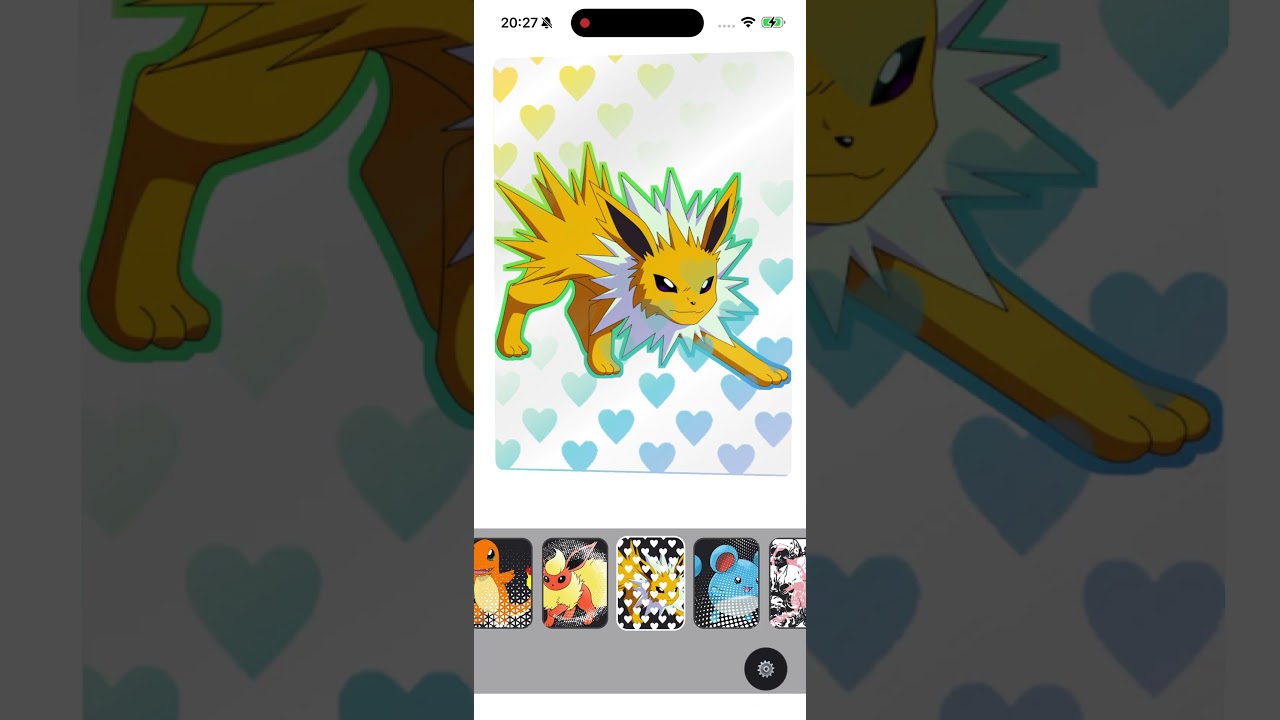
▶ Reel |
📟 Pokédex GIF Gallery
Click any card to open the file.

#001 Pikachu |

#002 Bulbasaur |

#003 Jolteon |

#004 Charizard Big |

#005 Pikachu |

#006 Chardizard |

#007 Pikachu |

#008 Squirtle |

#009 Marill |

#010 Mew |

#011 Mew Controls |
🟡 ??? Coming soon |
Shader optimisation
One of the first things that I have noticed in other examples is using state to compute time.
const [time, setTime] = React.useState(0);
const requestRef = React.useRef<number>();
// Animation frame callback
const animate = useCallback(() => {
  setTime(t => t + 0.016);
  requestRef.current = requestAnimationFrame(animate);
}, []);
This forces the component to rerender. Instead use this hook:
useClockUse clock returns
SharedValue<number>from react-native-reanimated that can be easily used in other animations.
This way your shader component can limit render to the minimum and focus on the actual <Shader /> component renders the compiled Skia shader code.
Remember Skia can render shared values by reference. It renders the shader code as also a reference. By removing any state you basically keep this component mounted one time and all other animations are performed by referenced variables and referenced compiled shader.
This is the reason why the shader is lifted into the canvas component and compiled there and only after that passed into the shader rendering background and referenced from current value:
const shaderEffect = props.shaderEffectRef.current;and passed here:
<Shader source={shaderEffect} uniforms={uniforms} />Do not use requestAnimationFrame
DO NOT use requestAnimationFrame runs on js thread. If you are using react-native-skia you should avoid calling anything from the js thread. Skia runs on ui thread so when possible use:
- useSharedValue
- useDerivedValue
- useFrameCallback
Shader uniforms are derived, not rebuilt through React state
This is another optimization that will keep the shader canvas mounted and work on references. Since in our case it is the time that changes we have a memoized resolution and we use a derived value for the time.
const resolution = useMemo<[number, number]>(
   () => [props.width, props.height],
   [props.width, props.height],
 );

 const uniforms = useDerivedValue(
   () => ({
     iTime: props.time.value,
     iResolution: resolution,
   }),
   [props.time, resolution],
 );
The uniforms will not recompute. Since this is a useDerivedValue it will return a:
DerivedValue<Value = unknown>Which in practice is a:
Readonly<Omit<SharedValue<Value>, 'set'>>Again. This will continue to live as a reference keeping our mount and unmount to minimum and the shader code operating on references.
- efficient time-driven shader animation
- no React churn per frame
- better compatibility with Skia animation flow
CODE COMPARE:
https://github.com/jerinjohnk/RNShaderCard/blob/main/src/card/LuffyCanvas.tsx
Mentioning the optimisations we were talking about before this code:
import React, {useCallback} from 'react';
import {
 Canvas,
 useImage,
 Fill,
 Shader,
 Skia,
 Image,
} from '@shopify/react-native-skia';
import {KaleidoscopeShader} from '../shader/KaleidoscopeShader';

interface LuffyCanvasProps {
 width: number;
 height: number;
}

export function LuffyCanvas({width, height}: LuffyCanvasProps) {
 const [time, setTime] = React.useState(0);
 const requestRef = React.useRef<number>();

 // Animation frame callback
 const animate = useCallback(() => {
   setTime(t => t + 0.016);
   requestRef.current = requestAnimationFrame(animate);
 }, []);

 // Setup and cleanup animation frame
 React.useEffect(() => {
   requestRef.current = requestAnimationFrame(animate);
   return () => {
     if (requestRef.current) {
       cancelAnimationFrame(requestRef.current);
     }
   };
 }, [animate]);

 const luffy = useImage(require('../../assets/luffy.png'));

 if (!luffy) {
   return null;
 }

 const shaderEffect = Skia.RuntimeEffect.Make(KaleidoscopeShader);

 if (!shaderEffect) {
   return null;
 }

 return (
   <Canvas style={{width, height}}>
     <Fill>
       <Shader
         source={shaderEffect}
         uniforms={{
           iTime: time,
           iResolution: [width, height],
         }}
       />
     </Fill>
     <Image image={luffy} height={height} width={width} fit="contain" />
   </Canvas>
 );
}

//Could be rewritten into something like this:
import React, { useMemo } from "react";
import {
 Canvas,
 Fill,
 Shader,
 Skia,
 Image,
 useImage,
 useClock,
} from "@shopify/react-native-skia";
import { useDerivedValue } from "react-native-reanimated";
import { KaleidoscopeShader } from "../shader/KaleidoscopeShader";
interface LuffyCanvasProps {
 width: number;
 height: number;
}

export function LuffyCanvas({ width, height }: LuffyCanvasProps) {
 const luffy = useImage(require("../../assets/luffy.png"));
 const shaderEffect = useMemo(() => {
   return Skia.RuntimeEffect.Make(KaleidoscopeShader);
 }, []);
 const clock = useClock();
 const uniforms = useDerivedValue(() => {
   return {
     // useClock() is milliseconds, convert to seconds if your shader expects GLSL-style time
     iTime: clock.value / 1000,
     iResolution: [width, height],
   };
 }, [clock, width, height]);

 if (!luffy || !shaderEffect) {
   return null;
 }

 return (
   <Canvas style={{ width, height }}>
     <Fill>
       <Shader source={shaderEffect} uniforms={uniforms} />
     </Fill>
     <Image
       image={luffy}
       x={0}
       y={0}
       width={width}
       height={height}
       fit="contain"
     />
   </Canvas>
 );
}
Our example uses some more optimisation but I just wanted to show how you can use reference and Skia useClock to avoid using the js thread.
Shader guard
We used that previously. If there is no shader set just render a null.
if (shaderEffect == null) {
   return null;
}
This will not unmount the component and cause the reflow by keeping the virtual tree structure the same as before.
Custom background memo compare
This is a great example that shows why using derived and shared values is better for animation heavy components in react. The sader component only mounts and unmounts when you change the shader.
In practice this memo:
export const Backgrdound = memo(
 BackgrdoundComponent,
 (prev, next) =>
   prev.width === next.width &&
   prev.height === next.height &&
   prev.shaderEffectRef === next.shaderEffectRef &&
   prev.time === next.time,
);
and this memo (time removed):
export const Backgrdound = memo(
 BackgrdoundComponent,
 (prev, next) =>
   prev.width === next.width &&
   prev.height === next.height &&
   prev.shaderEffectRef === next.shaderEffectRef &&
);
Are functionally the same. React will not trigger a re-render on time change since this is a shared value and it will occupy the same space in js memory (that is how comparing objects in here works) not a single re-render will be triggered by the time from useClock method in parent canvas component.
This means that Skia Shader will continue to animate without touching the virtual tree just on shared values (references) permanently on the ui thread.
- keeps shader subtree stable
- avoids unnecessary React work around Skia shader node setup
Toggable scene composition
The layer system supports independent visibility. Instead of one giant render block, rendering is split into focused visual units. This allows the renderer to omit certain batches of work by deciding what to do and early returning null nodes like we have mentioned before. The order of the nodes is important because they are painted one over another.
- shader background
- hologram
- gloss
- image/background
- outline holo
- hologram mask usage
- holo background
This way of composing your canvas is very useful when you have a canvas made of layers that you know well at the time you write your code.
- avoids paying for the full visual stack all the time
- scales better across lower-end devices
- gives granular control over GPU/CPU load
- memoize pieces independently
- gate features independently
- profile effect-specific costs
CANVAS AND SHADER SUMMARY
Canvas and shader optimisations. What do these optimizations improve in practice?
- resistance to parent rerenders
- Skia layer stability
- shader animation efficiency
- motion-driven visual smoothness
- reduced prop identity churn
- reduced inactive layer cost
- cleaner performance monitoring isolation
🤝 Sponsors
💛 Thanks to our partners for supporting this project