As mentioned before in this article we will take a look at how we have optimised the canvas component that is responsible for rendering the shader background and the images. Some of the images render dynamically based on the device movement and gestures (holo layer and shine). Other are created dynamically based on the image that was provided (outline, mask, reverse mask).
CONTENTS:
- Pokemon Cards with Skia
- Canvas Optimisations
- Shader Optimisations
- Gesture and Motion Optimisations
- Sensors and General Optimisations
- Summary
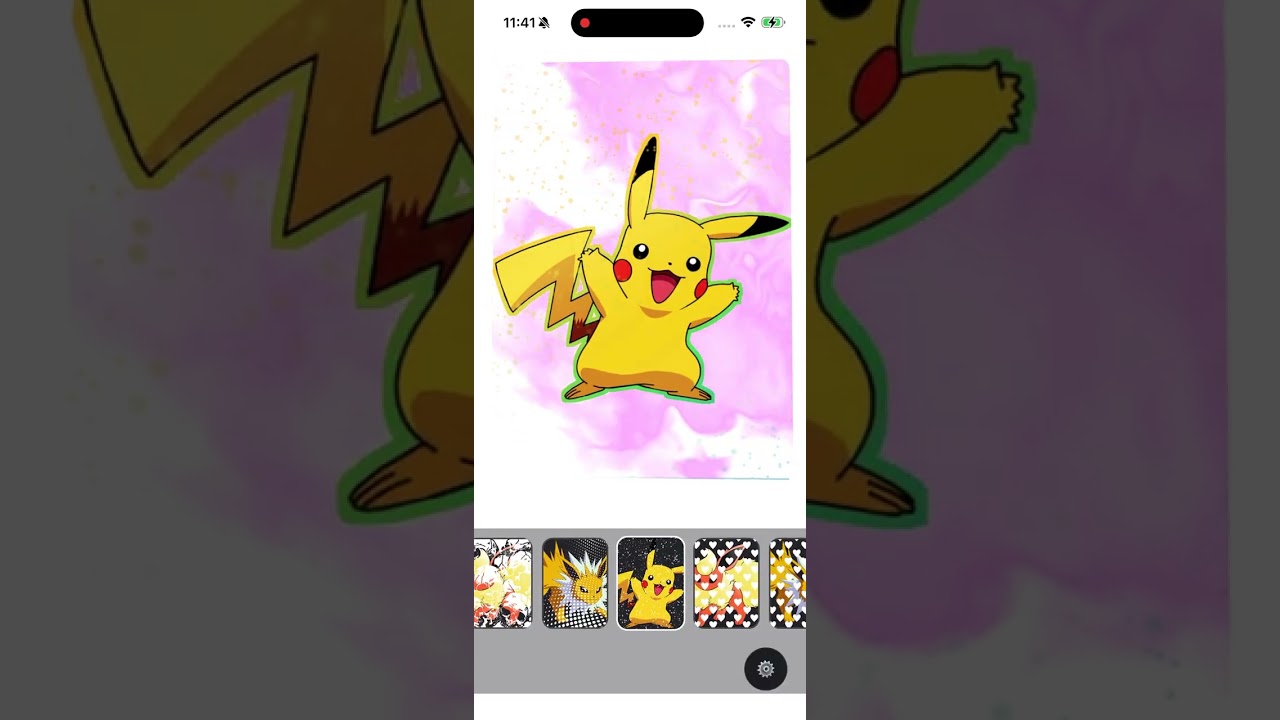

▶ Full Video |

▶ Reel |
📟 Pokédex GIF Gallery
Click any card to open the file.

#001 Pikachu |

#002 Bulbasaur |

#003 Jolteon |

#004 Charizard Big |

#005 Pikachu |

#006 Chardizard |

#007 Pikachu |

#008 Squirtle |

#009 Marill |

#010 Mew |

#011 Mew Controls |
🟡 ??? Coming soon |
Lets dig into it.
CANVAS
FullCanvas is wrapped in memo(…) with a custom comparator.
Unified rendering pipeline in our cases is flushed just once into the native part of the app.
Lift the image and shader up
In our card component we lift the image, hologram and other images and pass them as props.
const background = useImage(backgroundSource);
const image = useImage(props.source);
const holoCover = useAnimatedImageValue(HoloColver02);
const hologramMask = useImage(props.hologram.current);
This means that we do not call the
useImage and useAnimagedImageValueinside the canvas. These functions are rather expensive and return a
SkImagethat can be used as a reference further down the component structure. They will change only when manipulated in controls. The reference will not disappear when we toggle them. More about toggle and null render for virtual tree structure maintenance further down the road.
Wrap canvas into a parent element and add absolute style for canvas.
If you are familiar with how for example a browser renderer works you’ll know that there are two main types of operations. A repaint and a reflow. For react-native perspective you have yoga that calculates the width, height, flexbox positioning, padding and margins. This can be considered a reflow that if changed affects the virtual tree and then is pushed into native part of the rendering pipeline.
If you set canvas with stable dimensions and position absolute you can practically skip any checks performed on that node. This means that the canvas will care only about the contents which will be a repaint. Remember – in our case this saves multiple render cycles.
<View style={containerStyle}>
        <CanvasComponent
          pointerEvents="none"
          style={absoluteCanvasStyle}
        >
I found out about this issue when my shader renderer had a mask that provided rounded edges. If you can move this behaviour somewhere else and leave the shader just to compute repaint you can gain a massive win when the compiled shaders repainting.
In our case the ink dense cloud had a stutter effect or stopped when gestures were passed into it. In this component composition this issue is absolutely gone.
Pack everything into a single Canvas to unify the rendering pipeline.
I have experimented in putting the shader into a separate canvas in the background. It worked fine. This is a technique called double buffering and was introduced in many games in the 80’s and 90’s.
In our case when we have all the components memoised and they only pass the derived value (more about this later) none of the components is being redrawn. Most of the shaders are very dynamic and having a separate pipeline made no sense.
Bear in mind if you would have a static shader that just fills the screen and does nothing this is a very smart optimisation that you could use.
Introduce separate canvas layers.
Separate layers like mentioned before allow us to split the react-native part updates. For example background image or the pokemon image will not change based on the motion and gesture. It is only gloss and hologram that need to recompute the gradient and it’s colors. Which also are applying only a repaint.
This way a full batch of pixels inside the canvas can be rendered from cache without recomputing them again. You repaint the gloss and hologram and apply it over an already computed and cached image.
This begs a question: why not spread all of the layers separately. In our specific case the cached images are affected by the transformation found in
maskTransformstyle.
This creates render boundaries between the tree nodes:
Every render layer is memoized:
- ShaderLayer
- HoloBackgroundLayer
- CardImageRenderLayer – this is the one that contains multiple images
- HologramRenderLayer
- GlossRenderLayer
- PerfOverlayLayer
Early-return visibility gating
This is a tricky one. Our app allows you to selectively turn on and off layers of elements. On one han you want you move remove them as early as possible but on the other you don’t want to cause an unnecessary re-render of the canvas component that could spill into other children component. Normally you would see in react code something like this:
{ visible && <Component />}

// In our case we have a early return in our component:
if (!props.visible) {
   return null;
}
What this does is make sure that the tree structure of the FullCanvashas all the elements in place but they return a null. Since the element is positioned as absolute it just triggers a cheap repaint.
This avoids mounting inactive Skia subtrees.
- less React work
- less Skia node creation
- smaller scene graph
- less wasted prop propagation
Feature gating
Some of the components need shared elements. A good example is the holo gradient.
const needsGradient = props.showGloss || props.showHologram || props.showOutlineHolo;Holo gradient is used by the gloss, hologram overlay and the hologram image outline. Precomputing this as a single variable and passing into the calculations. If the current flags do not require a gradient the
useFullCanvasDerivedValuesreturns a default value from a constant. That constant is outside the function (more about that later) so it is super fast to return a default value.
if (!params.needsGradient) {
     return {
       start: ZERO_GRADIENT_POINTS.start,
       end: { x: params.width, y: params.height },
     };
}
This logic skips making a full set of calculations and memory updates for the object returned.
const rotateXNorm = totalRotateX.value * params.inverseMaxAngle;
   const rotateYNorm = totalRotateY.value * params.inverseMaxAngle;
   const tx = params.sensorTranslateX.value * GRADIENT_TRANSLATE_FACTOR;
   const ty = params.sensorTranslateY.value * GRADIENT_TRANSLATE_FACTOR;
   const centerX = params.halfWidth + params.halfWidth * rotateYNorm + tx;
   const centerY = params.halfHeight + params.halfHeight * rotateXNorm + ty;

   return {
     start: {
       x: params.negativeWidth + centerX,
       y: params.negativeHeight + centerY,
     },
     end: {
       x: params.width + centerX,
       y: params.height + centerY,
     },
   };
Unpack the motion with a shared default zero value
This makes the rendering pipeline stable even when the device is not moving. This means that when the device is not moving it does not affect the rendering pipeline with unnecessary renders. The ZERO_SHARED is an outside constant. We will talk about this later. For now just remember that it always occupies the same space in your js engine memory.
const gestureRotateX = props.motion?.gestureRotateX ?? ZERO_SHARED;
const gestureRotateY = props.motion?.gestureRotateY ?? ZERO_SHARED;
const sensorRotateX = props.motion?.sensorRotateX ?? ZERO_SHARED;
const sensorRotateY = props.motion?.sensorRotateY ?? ZERO_SHARED;
const sensorTranslateX = props.motion?.sensorTranslateX ?? ZERO_SHARED;
const sensorTranslateY = props.motion?.sensorTranslateY ?? ZERO_SHARED;- no need for repeated null checks deeper in render logic
- derived values can always read valid shared values
- avoids conditional branches throughout lower layers
Possible optimisation: Skipping this check and always passing a motion with a precomputed state with default
ZERO_SHAREDFeel free to test this in a profiler.
Derived values used instead of React state
If you look at other examples on the web (in a few cases in the projects mentioned before). React developers use useState to contain the state of the app and it’s animations for future use. This can spiral out of control in terms or rerenders that happen when the app needs a new value for the animation.
As you can see in our
useFullCanvasDerivedValuesWe use:
useDerivedValueThis is a method from react-native-reanimate.
https://docs.swmansion.com/react-native-reanimated/docs/core/useDerivedValue/
It allows you to create a shared value that does not trigger re-render after changing and is immediately moved to the ui thread and ”workletized”.
Just keeping your animation state outside of the component state can give you a huge performance boost for your apps.
- motion-driven visuals stay off the React path
- gradient and mask movement can update continuously
- Skia can consume animated values efficiently
Combined rotation is precomputed once
You can see this happening in:
useFullCanvasDerivedValuesand
useGestureContainerMotionThe rule of thumb is that if you will have to use some variables together you should think about increasing the data locality by computing them together. Most js engines arrange memory based on age and cleanup efficiency. Here you pass new values of motion in one place and they are being cleared afterwards in (usually) one garbage collection cycle..
Computation short circut
This was already mentioned before but you want to short haircut your computation by early returns if nothing is happening.
const gradientPoints = useDerivedValue<GradientPoints>(() => {
   if (!params.needsGradient) {
     return {
       start: ZERO_GRADIENT_POINTS.start,
       end: { x: params.width, y: params.height },
     };
   }
}
const maskTransform = useDerivedValue<Transforms3d>(() => {
   if (!params.needsMaskTransform) {
     return [{ translateX: 0 }, { translateY: 0 }];
   }
}
When designing a computation cycle, always think if there is a possibility to short circuit the computation and return a default value or some other value that is easier to compute.
- less animated computation
- cheaper worklet execution
- less unnecessary motion math
Precomputed scalar values in render
inside you computations always look for values that can be reused and precomputed. This means that unnecessary operation will not be passed down the code and performed again.
const halfWidth = props.width * 0.5;
const halfHeight = props.height * 0.5;
const negativeWidth = -props.width;
const negativeHeight = -props.height;
const inverseMaxAngle = 1 / maxAngle;
These values are then passed down into the:
useFullCanvasDerivedValuesand used in multiple calculations. Calculating them every time you need this value is just a waste of the CPU cycle. Your js engine might not figure it out on its own.
Memoize the style array
In our case some of the styles depend on the device dimensions. It is absolutely crucial tha they end up in the cache so they can be used in multiple places. This style is computed only once and the iint lives in you ram memory as a cached value. The only device that I can think of that would change it’s dimensions is some kind of fold device.
Then again… after the folding or unfolding of the device it should end up in a cache to be reused with other styles.
- stable style identity
- fewer downstream rerenders
- better compatibility with memo
Use arrays of styles instead of style unpacking
We use this technique in one place for our gesture detector.
<Animated.View style={[style.outer, sizeStyle, outerStyle]}>
   <Animated.View style={[style.inner, innerStyle]}>
This is the part of the code that is responsible for the transform of the rotation and translation of the card. The styles are derived from the gesture and motion by the hook:
useGestureContainerAnimatedStylesThis hook returns a set of styles that are used by react-native-reanimated library to provide the card tilt animation.
WHY IS IT IMPORTANT TO PASS AN ARRAY?
React native accepts arrays of styles natively. If you use the spread operator you are creating unnecessary work for the js part of the engine. The spread operator creates a new merged js object inside the memory which in effect triggers a new renderer. This way we push as much of the style computation down to the native part of the engine and the device renderer. At the end of this blog post you will find a better way of creating arrays of styles but in here we have them memoized so they are good enough.
- less js computation and object creation
- styles update in react engine and native part,
Data preparation is separated from render
The reason why we have two separate hooks in the canvas component is because practically only one will be used to calculate the gradient points and mask transforms. The useFullCanvasMemoValues does not change at all. On top of that as mentioned before useFullCanvasDerivedValues has its own set of optimisations.
const { time, gradientPoints, maskTransform } = useFullCanvasDerivedValues({
   clock,
   width: props.width,
   height: props.height,
   borderRadius,
   inverseMaxAngle,
   halfWidth,
   halfHeight,
   negativeWidth,
   negativeHeight,
   needsGradient,
   needsMaskTransform,
   gestureRotateX,
   gestureRotateY,
   sensorRotateX,
   sensorRotateY,
   sensorTranslateX,
   sensorTranslateY,
   perfMonitor: props.perfMonitor,
   style: props.style,
});

const { containerStyle, absoluteCanvasStyle, canvasMonitorProps } =
   useFullCanvasMemoValues({
     width: props.width,
     height: props.height,
     borderRadius,
     style: props.style,
     perfMonitor: props.perfMonitor,
});- smaller component render function
- clearer memo boundaries
- easier tuning and profiling
Turn off pointer events
pointerEvents="none"This single line of code removes listeners from the canvas. There is absolutely no reason for the canvas to do any unnecessary work. We handle gestures in the parent component.
- avoids unnecessary hit-testing/interception
- keeps interaction delegated elsewhere
- useful in layered UI where canvas is purely visual
🤝 Sponsors
💛 Thanks to our partners for supporting this project